
Free Weight Loss App Finder
What is your primary dietary focus?
This helps us determine if you need advanced macro/micro tracking or simple calorie counting.
Your Recommended App
Based on your answers, this app offers the best balance of features and ease of use for you.
Key Strengths
Limitations
Why we chose this for you:
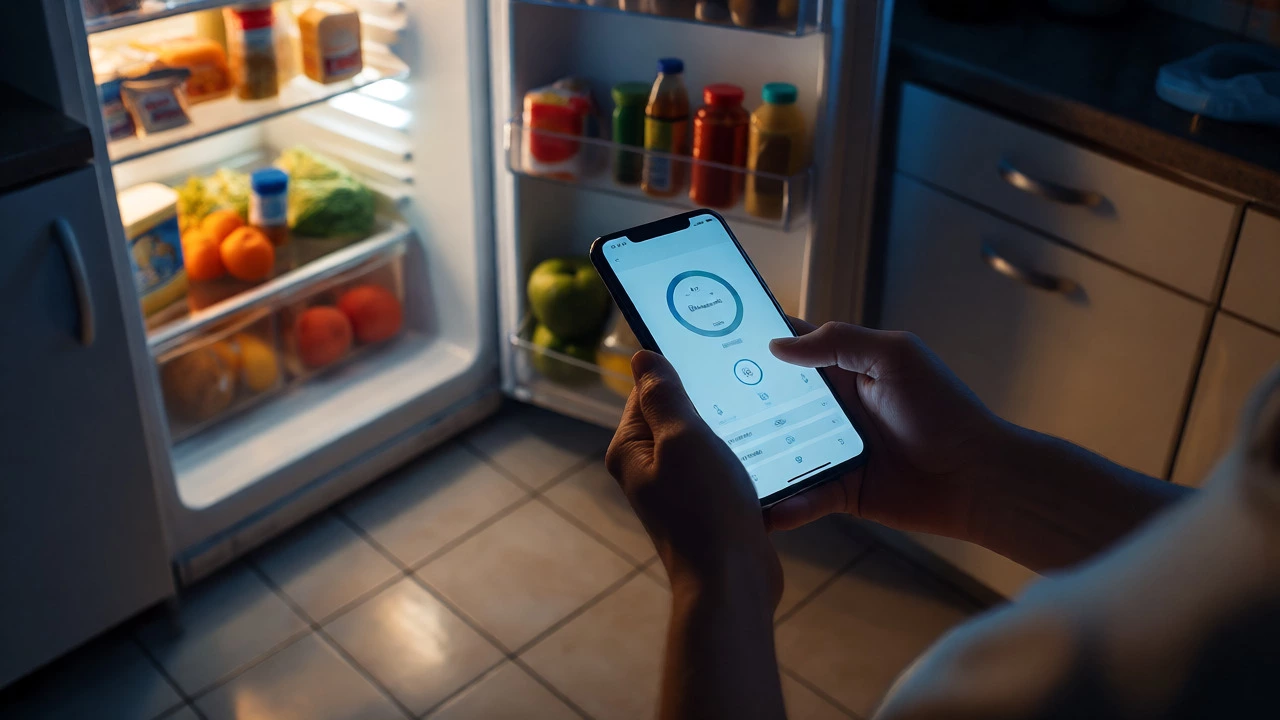
Most people think they need a $15/month subscription to lose weight. They’re wrong. The data shows that consistency matters way more than the software you use. You don’t need fancy AI coaching if you can’t stick to logging your food for three days straight. The real question isn’t which app has the prettiest interface-it’s which one you’ll actually open when you’re tired at 8 PM and staring into the fridge.
I’ve tested over twenty free weight loss apps over the last six months. I tracked every hidden paywall, every annoying ad, and every feature that looked good in screenshots but failed in practice. Here is what actually works in 2026 without costing you a dime.
What "Free" Really Means in Fitness Apps
Before we pick winners, let’s be honest about the business model. No company gives away premium tracking tools for free out of kindness. Most apps operate on a "freemium" model. This means the core features-like counting calories or tracking steps-are free, but the convenience features are locked behind a paywall.
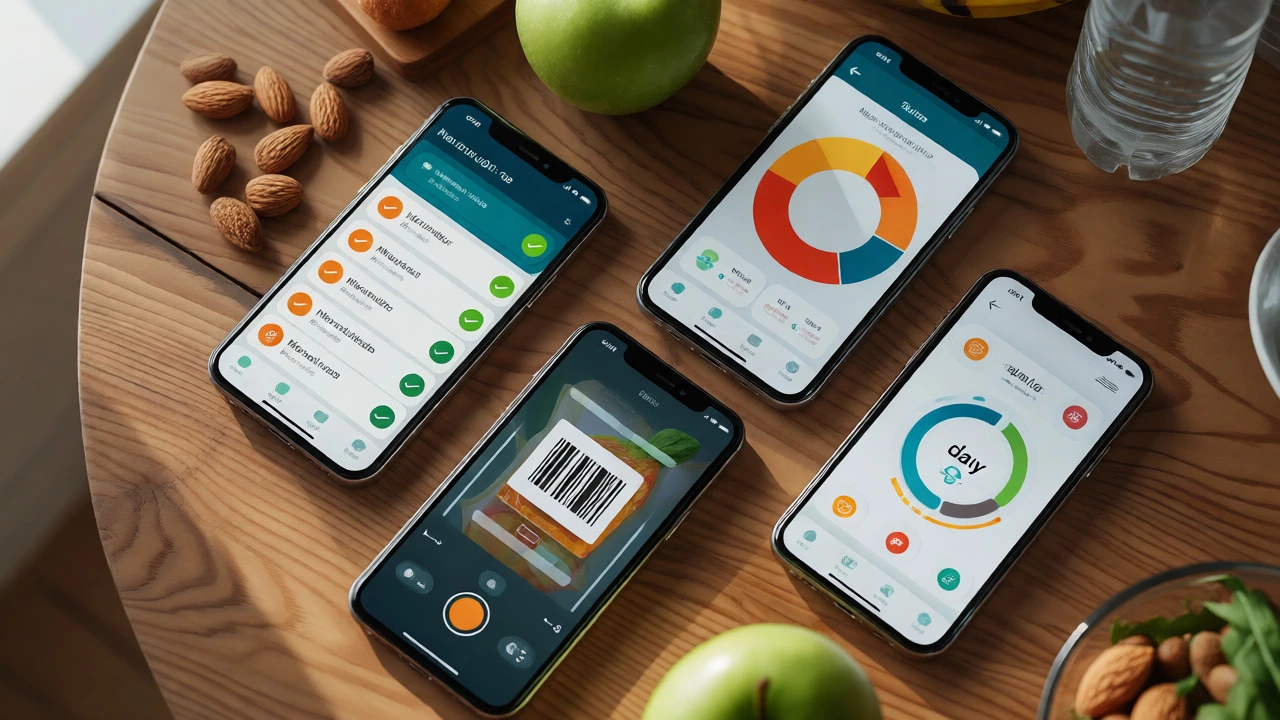
In 2026, the biggest trap is barcode scanning limits. A few years ago, this was rare. Now, some popular apps limit you to 10-15 scans per day unless you pay. If you eat mostly packaged foods, this kills the utility of the app fast. Another common restriction is data export. If you want to analyze your progress later, many free tiers won’t let you download your history. You have to take screenshots like it’s 2010.
So, when we look for the best free option, we aren’t looking for the most features. We are looking for the least friction. The best free app is the one that doesn’t make you feel punished for not paying.
The Heavyweight Champion: MyFitnessPal
You can’t talk about MyFitnessPal without mentioning its database size. With over 14 million foods, it’s the Wikipedia of nutrition. If you ate a specific brand of gluten-free crackers from a regional store in Ohio, it’s probably in there.
| Feature | Status in Free Version | Impact on User |
|---|---|---|
| Food Database | Full Access (14M+ items) | Huge advantage for variety |
| Barcode Scanner | Limited to ~10/day | Annoying for processed food diets |
| Macro Tracking | Basic (Calories only) | Protein/fat/carbs require Premium |
| Intermittent Fasting | Not included | Need separate timer app |
| Data Export | No | Hard to move data elsewhere |
Why does it still win? Because of integration. Almost every other fitness device connects to it. Your Fitbit, Garmin, Apple Watch, or Samsung Galaxy Watch likely syncs directly with MyFitnessPal. This creates an ecosystem where your movement automatically adjusts your calorie budget. For beginners who just want to see "eat less, move more," this automation is powerful. Just ignore the macro breakdowns if you’re on the free tier. Focus on total calories. That’s enough for 90% of weight loss goals.
The Smart Alternative: Lose It!
If MyFitnessPal feels like a spreadsheet, Lose It! feels like a game. Its interface is cleaner, faster, and less cluttered with ads. In 2026, their AI photo recognition tool "Snap It!" has become surprisingly accurate. You point your camera at your plate, and it guesses the food. It’s not perfect, but it saves seconds.
The standout feature here is the "Smart Plan." Even in the free version, it sets realistic weekly goals based on your starting weight and target date. Unlike some apps that promise unrealistic drops, Lose It! calculates safe rates (usually 1-2 lbs per week). This prevents the crash-and-burn cycle many dieters face.
However, Lose It! restricts advanced reporting. You can see your daily intake, but detailed trends over months are harder to access without upgrading. Also, their food database is smaller than MyFitnessPal’s. If you eat obscure international foods, you might spend more time manually entering entries than saving time with the scanner.
The Data Nerd’s Choice: Cronometer
Most apps lie about micronutrients. They track calories well but guess at vitamins and minerals. Cronometer uses verified databases like USDA FoodData Central. Every entry is sourced from scientific data, not user-generated guesses. This matters if you’re on a restrictive diet like Keto, Vegan, or Paleo, where nutrient deficiencies are a real risk.
Cronometer’s free version is generous. It tracks all macros (protein, carbs, fats) and even breaks down fiber, sugar, and saturated fat. It also tracks 80+ micronutrients including Iron, Calcium, and Vitamin D. For people trying to fix health issues alongside weight loss, this transparency is unmatched.
The trade-off? Speed. Logging food in Cronometer takes longer because you often have to select specific brands or verify entries. It’s not designed for quick, lazy logging. If you hate details, this app will frustrate you. But if you want to know exactly what’s fueling your body, it’s the gold standard for free users.
The Holistic Approach: HealthifyMe
Weight loss isn’t just math; it’s behavior. HealthifyMe leans heavily into habit formation. Their free plan includes basic calorie tracking and a community forum. But the real value is their "Coach" feature, which offers limited free tips based on your logs.
They integrate deeply with wearables, similar to MyFitnessPal, but add a layer of behavioral nudges. Did you skip breakfast? The app might suggest a high-protein snack idea rather than just showing empty calories. This psychological support helps prevent binge eating later in the day. However, the free version pushes their paid coaching service aggressively. Expect frequent pop-ups asking you to buy a human coach.

How to Choose: A Decision Tree
Picking the right app depends entirely on your personality and dietary needs. Here’s how to decide in under two minutes:
- Do you eat mostly packaged foods? Go with MyFitnessPal. The database depth outweighs the scan limits. You can batch-scan groceries once a week.
- Do you care about vitamins and minerals? Use Cronometer. It’s the only free app that treats nutrition science seriously.
- Do you hate spreadsheets and want simplicity? Try Lose It!. The UI is friendly, and the goal-setting logic keeps you motivated without overwhelming data.
- Are you struggling with motivation, not knowledge? Look at HealthifyMe. The community and nudges help break bad habits.
- Do you already have an Apple Watch or Garmin? Stick with the native Apple Health or Garmin Connect first. Sometimes, the built-in tracker is enough if you pair it with a simple notes app for food.
Common Pitfalls with Free Apps
Even the best tools fail if you misuse them. Here are three mistakes I see constantly in online forums and personal testing.
1. Ignoring Liquid Calories. Many free apps have poor databases for mixed drinks or specialty coffees. Users log a black coffee as zero calories, then drink a latte with syrup and milk, forgetting to log it. This can hide 300+ calories a day. Always check the ingredients list, not just the name.
2. Over-Tracking Weekend Meals. People obsess over Monday-Friday accuracy but throw the logbook out on Saturday. One untracked weekend meal can erase a week’s deficit. Use the "quick add" feature for restaurant meals. Estimate generously. If you’re unsure, round up. It’s better to underestimate your intake slightly than to overestimate your success.
3. Chasing Macros Too Early. Beginners often try to hit exact protein/carb ratios before stabilizing their calorie count. On free tiers like MyFitnessPal, you can’t easily see macros. Don’t stress about them yet. Get consistent with total calories first. Once that’s automatic, consider upgrading or switching to Cronometer if you need macro detail.
Verdict: Which One Should You Download?
If I had to recommend one app for the average person starting today, it would be Lose It!. Why? Because adherence beats optimization. MyFitnessPal is powerful but clunky. Cronometer is accurate but slow. Lose It! strikes the balance between ease of use and sufficient data. It respects your time, which is the scarcest resource when you’re busy losing weight.
However, if you are a data nerd or have specific dietary restrictions, start with Cronometer. The learning curve is worth it for the clarity it provides. And if you rely heavily on wearable tech, MyFitnessPal remains the king of integrations despite its flaws.
Remember, the app doesn’t burn the fat. You do. The app just shines a light on your choices. Pick one, commit to it for 30 days, and stop switching apps every time you miss a day. Consistency is the secret ingredient no algorithm can replace.
Is MyFitnessPal really free in 2026?
Yes, the core calorie tracking and food database are free. However, key features like detailed macro breakdowns, intermittent fasting timers, and unlimited barcode scanning now require a Premium subscription. The free version is still usable for basic weight loss but has significant limitations compared to previous years.
Which free app is best for Keto or Low-Carb diets?
Cronometer is the best choice for Keto and low-carb diets among free options. It accurately tracks net carbs, fiber, and sugar, which are critical for maintaining ketosis. MyFitnessPal hides these details behind a paywall, making it difficult to manage strict low-carb goals without paying.
Can I sync my Apple Watch with any free weight loss app?
Yes, most major free apps like MyFitnessPal, Lose It!, and HealthifyMe support Apple Health integration. This allows your step count and active calories burned from the Apple Watch to automatically adjust your daily calorie budget in the app. Check the specific app's settings to enable this connection.
Do free apps show ads?
Yes, almost all free versions display banner ads or interstitial ads. Lose It! tends to have fewer intrusive ads than MyFitnessPal. If ads bother you, Cronometer offers a relatively clean experience, though they may promote their premium services within the app interface.
Is it worth paying for a premium weight loss app?
Only if you need advanced features like personalized coaching, detailed macro analysis, or unlimited barcode scanning. For most beginners, the free versions provide enough structure to lose weight. Paying should solve a specific bottleneck in your process, not just provide a 'better' feeling.