
Fitness Tracking Decision Tool
Select your primary fitness goals to see which tracking setup best fits your needs.
General Activity
Counting steps, tracking distance, and reducing sedentary time.
Performance & Health
Heart rate zones, sleep quality, and athletic training.
iPhone (Built-in)
- Step Counting Yes
- GPS/Distance Yes
- Heart Rate No
- Sleep Tracking Limited
Dedicated Wearable
- Step Counting Precision
- GPS/Distance Yes
- Heart Rate Yes
- Sleep Tracking Detailed
The short answer to your question
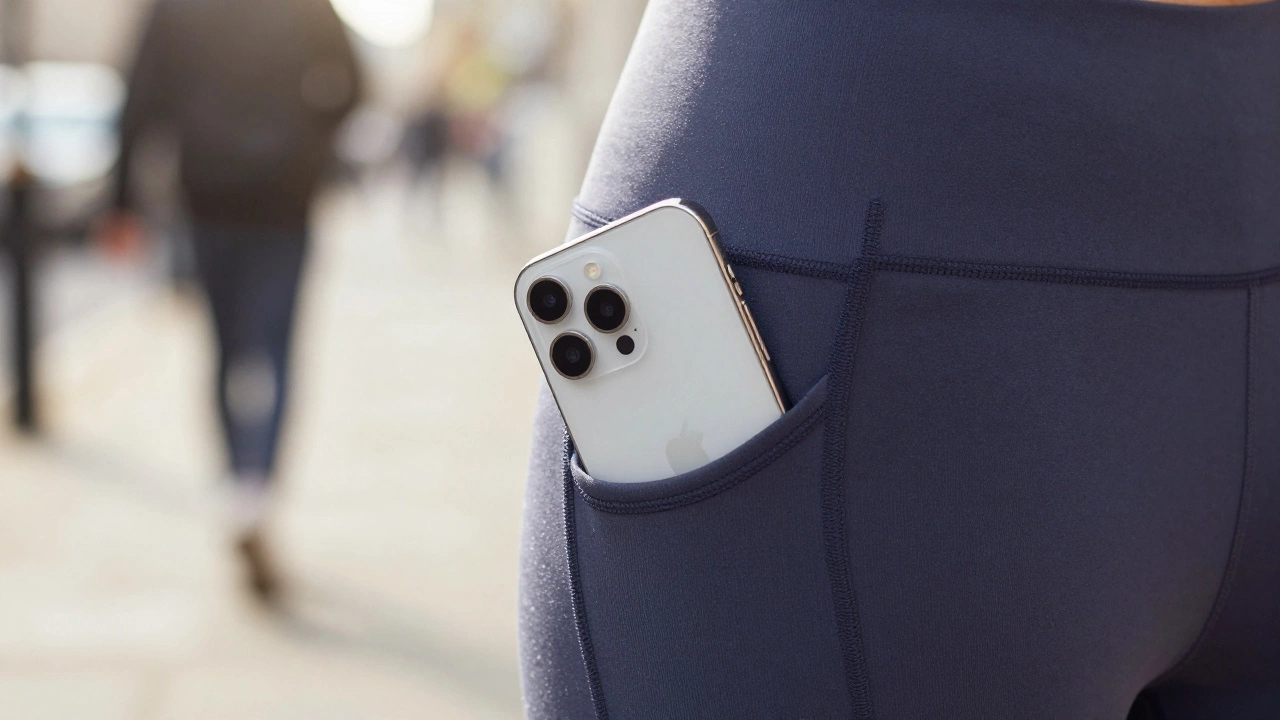
You won't find a dedicated strap or a chest band built into your phone, but yes, your iPhone is essentially a fitness tracker in your pocket. It doesn't just track your steps; it monitors your movement, distance, and even how often you climb stairs. If you carry your phone with you, you're already collecting health data without needing to buy extra gear.
Most people think they need a watch to track their activity, but the hardware inside your phone is surprisingly powerful. Between the motion sensors and the software that puts it all together, your device handles the heavy lifting of counting steps and estimating calories burned. The only real downside? It can't track your heart rate or sleep quality because it isn't touching your skin 24/7.
| Feature | iPhone (Built-in) | Apple Watch / Fitbit |
|---|---|---|
| Step Counting | Yes (Automatic) | Yes (High Precision) |
| Distance / GPS | Yes | Yes |
| Heart Rate | No | Yes (Optical Sensor) |
| Sleep Tracking | Limited (via movement) | Yes (Detailed stages) |
| Calorie Estimation | Yes | Yes (Heart rate adjusted) |
The magic under the hood: How it actually works
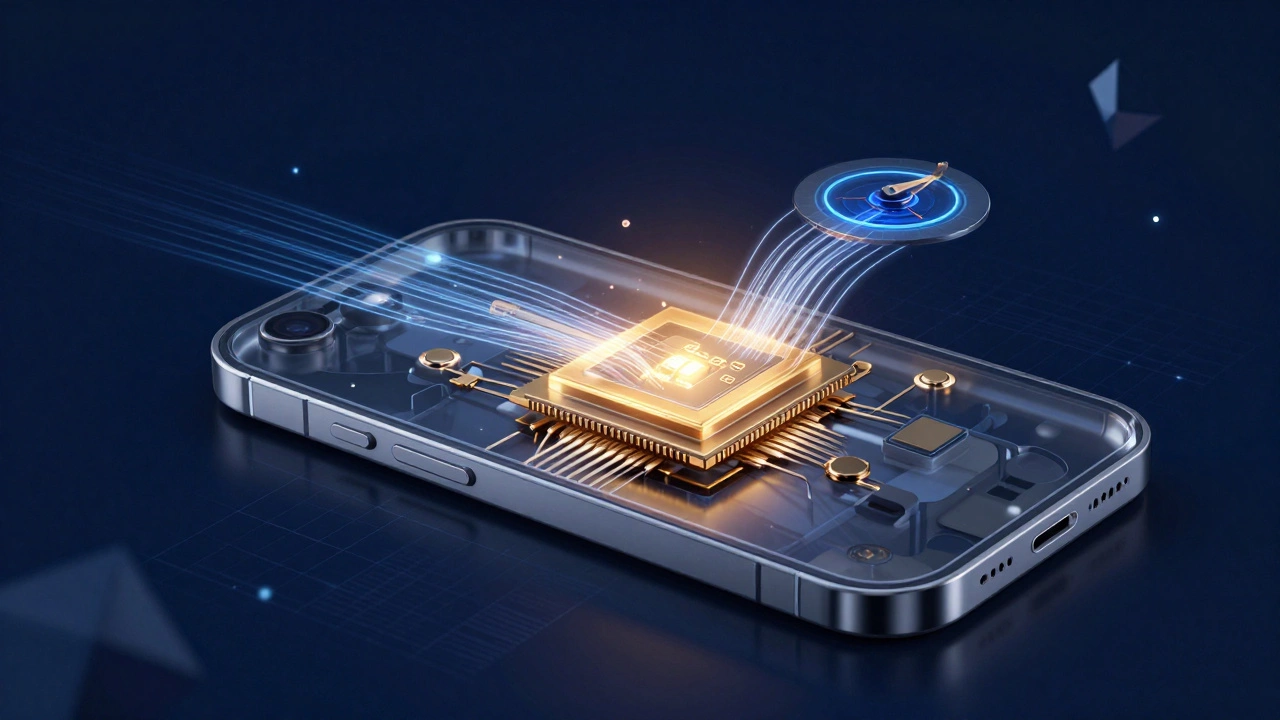
How does a slab of glass and aluminum know you're walking? It's all thanks to the Motion Coprocessor. This is a tiny, low-power chip that works alongside the main processor to monitor the Accelerometer and Gyroscope.
The accelerometer detects the linear acceleration of the phone. When you walk, your body creates a specific rhythmic pattern of movement. The phone recognizes this pattern as a "step." The gyroscope adds another layer of detail by tracking the phone's orientation in 3D space, which helps the device figure out if you're walking, running, or just shaking the phone while sitting on the couch.
For distance, the iPhone uses the GPS (Global Positioning System). By pinging satellites, it maps your exact coordinates. If you're walking in a city, it combines GPS data with the motion sensors to keep the distance accurate even when you're under heavy tree cover or between tall buildings. This is why your phone is often more accurate for distance tracking than a cheap pedometer.
Where to find your data: The Apple Health App
The brain of the entire operation is Apple Health. Unlike many other apps, Apple Health isn't just a place to view data; it's a central hub that aggregates information from the system's sensors and third-party apps.
When you open the app, you'll see a summary of your activity. It tracks your steps, walking distance, and active energy (calories). One of the coolest features is that it runs in the background. You don't have to "start" a workout to count steps. As long as the phone is on your person, the sensors are active. If you've noticed your step count is slightly lower than your friend's Fitbit, it's usually because the iPhone only counts steps when the device is moving in a specific way, whereas a wristband catches every arm swing.
You can also set trends in the app. For example, if you want to know if you're becoming more active over a month, the Trends feature will notify you if your walking speed is increasing or if your step count is dipping. It turns raw data into actual insights about your lifestyle.
The gap between a phone and a wearable
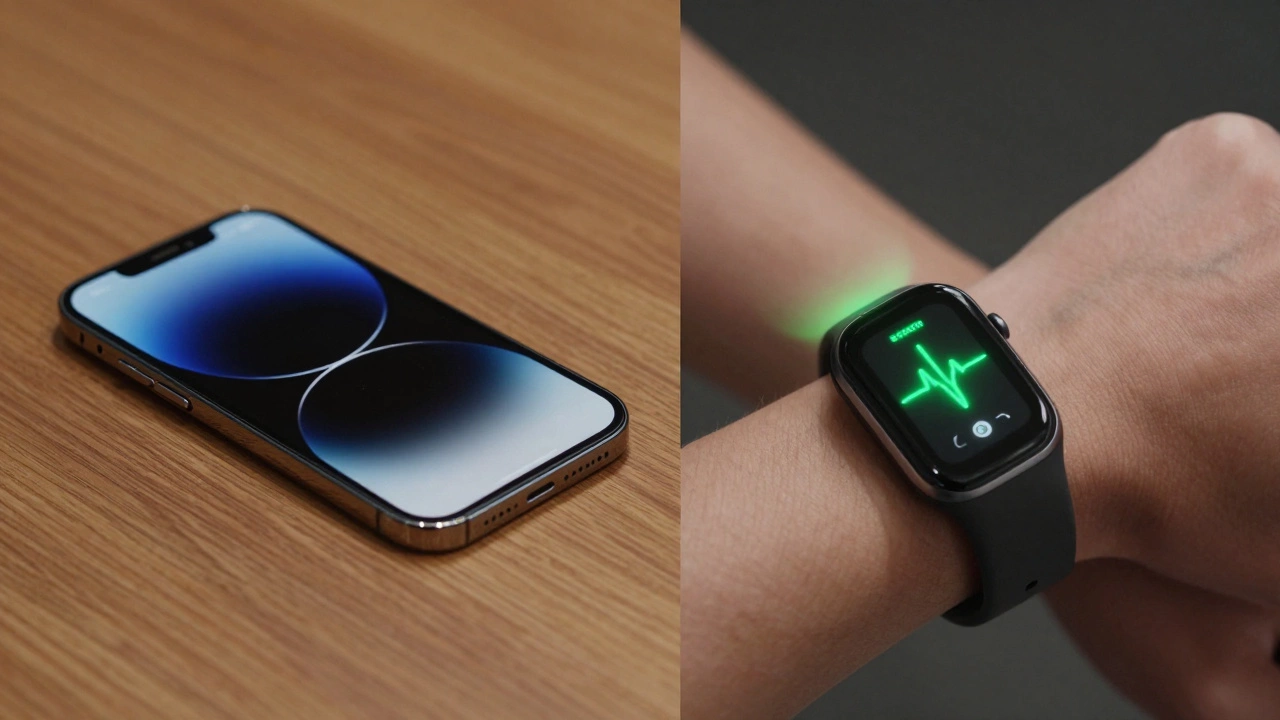
If the iPhone is so good, why do people spend hundreds on a Apple Watch or a Fitbit? It comes down to bio-metrics. Your phone can track where you go and how you move, but it can't tell you how your body is reacting to that movement.
A wearable uses photoplethysmography (PPG)-essentially flashing lights into your skin-to measure your heart rate. This is crucial for calculating "zones" during a workout. If you're doing high-intensity interval training, your phone knows you're moving, but it doesn't know if your heart is pumping at 160 beats per minute. Without heart rate data, calorie burn estimates are just educated guesses based on your weight and movement speed.
Then there's the sleep issue. To track sleep stages (REM, Deep, Light), a device needs to monitor heart rate variability and toss-and-turn movements throughout the night. While you could sleep with your iPhone in your hand, it's not practical or healthy. Wearables fill this gap by providing a complete picture of your recovery, which is half the battle in fitness.
Common pitfalls and how to get better accuracy
Since the iPhone fitness tracking relies on the device being with you, the biggest point of failure is simply leaving your phone on the desk. If you're doing a quick circuit of the gym or walking to the kitchen, those steps are lost. To fix this, some people use a waist pouch or a running belt, which keeps the phone closer to their center of gravity and improves step detection.
Another issue is "phantom steps." If you're in a car on a bumpy road or riding a bike on a cobblestone street, the accelerometer might mistake those vibrations for steps. To get the most accurate reading, make sure your health permissions are correctly set. Go to Settings > Privacy > Motion & Fitness and ensure that "Fitness Tracking" is toggled on. If this is off, your phone is basically a brick in terms of health data.
Lastly, consider your stride length. The iPhone estimates distance based on average movement patterns. If you're significantly taller or shorter than average, the distance might be slightly off. While you can't manually change your stride length in the native Health app, using a third-party app that allows calibration can help fine-tune the results.
Choosing the right setup for your goals
Whether the built-in tools are "enough" depends entirely on what you're trying to achieve. For most people, the iPhone is more than sufficient. If your goal is simply to hit 10,000 steps a day or make sure you aren't sedentary for 8 hours straight, you don't need to spend a dime on extra hardware.
However, if you're training for a marathon or managing a health condition like hypertension, the lack of a heart rate monitor is a dealbreaker. In those cases, pairing your iPhone with a dedicated wearable creates a synergy. The wearable collects the high-resolution biological data, and the iPhone acts as the analytical engine that stores and displays that data over time.
Does the iPhone count steps automatically?
Yes, the iPhone counts steps automatically in the background. You don't need to open an app or start a workout. As long as the phone is in your pocket or bag and the Motion & Fitness setting is enabled, it uses the accelerometer and motion coprocessor to track your movement throughout the day.
Can I track my heart rate with just an iPhone?
No, the iPhone does not have a built-in heart rate sensor. To track your heart rate, you will need an external device like an Apple Watch, a chest strap, or a fitness band that syncs its data to the Apple Health app via Bluetooth.
Is the iPhone step counter accurate compared to a Fitbit?
It is generally very accurate for walking and running, but it may differ from a wrist-worn tracker. Wrist-based trackers count arm swings, while the iPhone counts hip/body movement. This means a Fitbit might overcount steps during certain activities (like washing dishes), while an iPhone might undercount if you're moving your arms but not your torso.
Does tracking fitness drain the iPhone battery?
Very minimally. The motion coprocessor is designed to be extremely energy-efficient, allowing the phone to track steps without waking up the main CPU. However, using high-accuracy GPS for a long run or hike will drain the battery significantly faster than simple step counting.
How do I turn on fitness tracking on my iPhone?
Go to the Settings app, tap on Privacy & Security, select Motion & Fitness, and make sure the Fitness Tracking toggle is turned on. You should also ensure the Health app has permission to read this data.
Next steps for your health journey
If you're just starting out, try using the built-in tools for two weeks. See if the data in the Apple Health app motivates you to move more. If you find yourself wanting more detail-like knowing if you're actually hitting your cardio targets or how your sleep affects your energy-that's the signal to look into a wearable.
For those who already have an iPhone and want to level up without spending money, explore third-party apps that leverage the same sensors. There are plenty of free running apps that provide better coaching and pacing than the default health summary. The hardware is already in your hand; it's all about how you use the software to make sense of it.