
Free Walking Tracker Step Calculator
Track Your Daily Steps
Tip: Studies show people who see their daily step count are 25% more likely to reach their goals. Just tracking your steps with free apps like Google Fit or Stepz can make a real difference without any extra cost.
How many steps did you take today? If you’re trying to hit 10,000 but don’t want to spend a dime on a smartwatch, you’re not alone. Millions of people walk for health, not gadgets. And yes - there are free walking trackers that work well, even without a fancy device. You don’t need to buy anything. Your phone is already capable.
Your phone is already a walking tracker
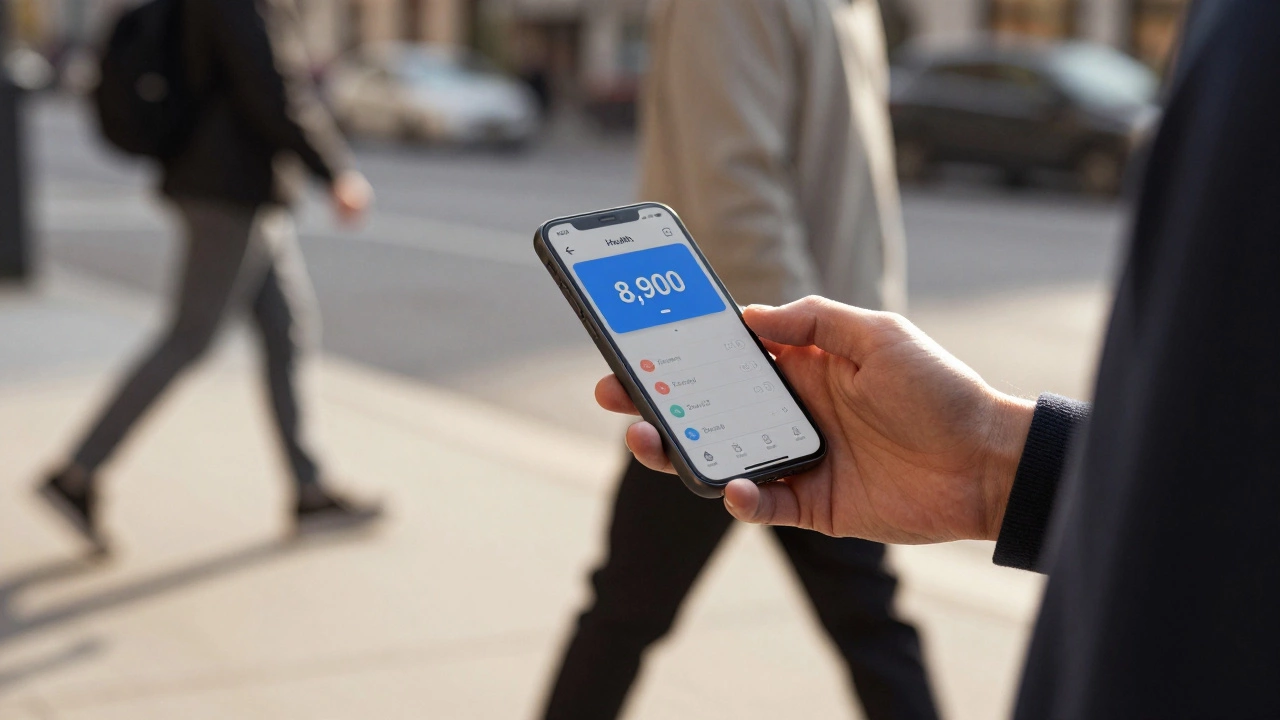
Most smartphones have a built-in step counter that runs in the background. Apple iPhones have had this since iOS 8. Android phones from Samsung, Google, OnePlus, and others include it too. You don’t need to install anything. Just check your health app.
On an iPhone, open the Health app. Tap Steps on the dashboard. That’s it. It counts every step you take, whether you’re walking to the mailbox or circling the block. Android users can find the same data in the Google Fit app or the Settings > Health section on Samsung phones. These apps use the phone’s accelerometer and GPS to track movement. They’re accurate enough for daily use - within 5% of a real pedometer, according to a 2023 study from the University of California.
And they’re completely free. No subscription. No hidden fees. Just your phone and your steps.
Best free walking apps for Android and iOS
If you want more than just step counts - like maps of your walks, distance, calories, or streaks - then a few free apps go beyond what your phone offers. Here are the top three that actually deliver.
- Google Fit - Works on both Android and iOS. Tracks steps, walks, and even auto-detects when you’re moving. Shows your weekly progress with color-coded rings. Syncs with Apple Health if you’re on iPhone. No ads. No paywalls.
- MapMyWalk - By Under Armour. Tracks your route on a map, calculates calories burned, and lets you save walks to review later. The free version includes everything most people need: step count, distance, time, pace. Upgrades are optional.
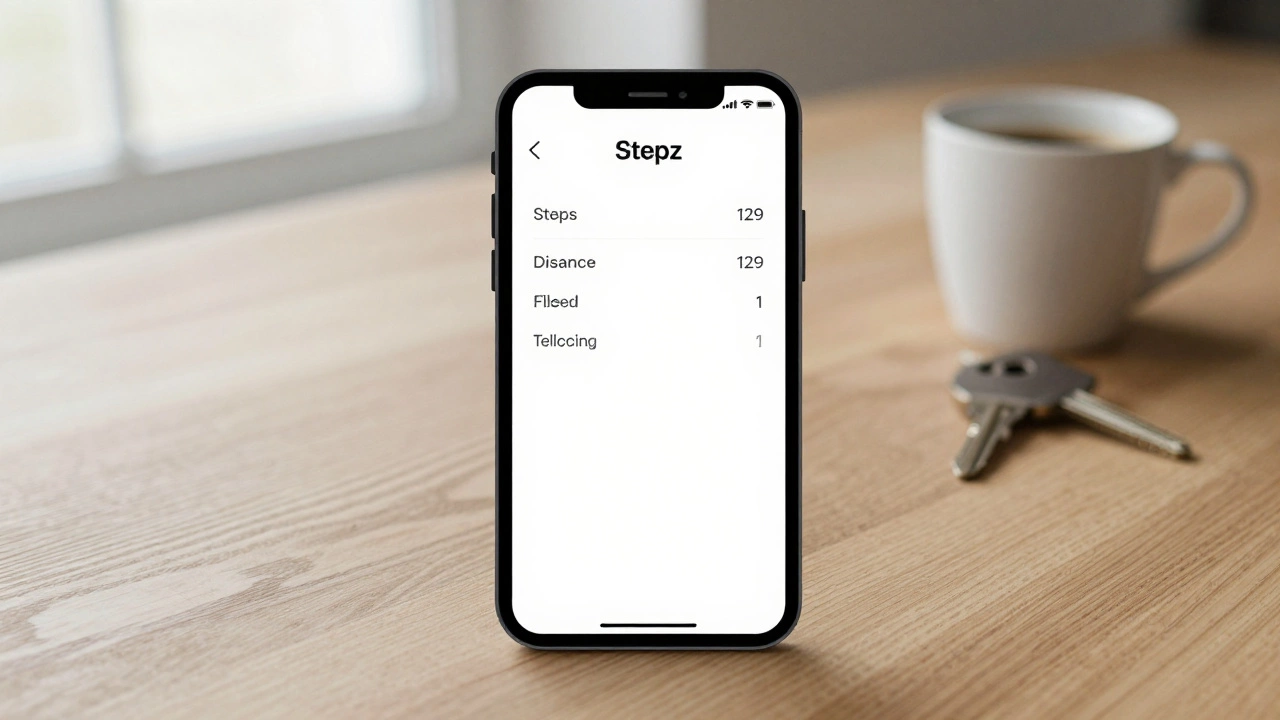
- Stepz - A minimalist iOS app with no frills. Just steps, floors climbed, and distance. It’s clean, fast, and doesn’t drain your battery. One of the few apps that doesn’t ask for your email or permissions to your contacts.
These apps don’t require wearables. They use your phone’s sensors. That means you can leave your phone in your pocket, purse, or even your coat while walking. No need to hold it. No need to charge extra devices.
What free trackers can’t do
Let’s be honest - free apps have limits. They won’t track your heart rate. They won’t give you sleep scores. They won’t vibrate to remind you to move. If you want those features, you’ll need a smartwatch or fitness band. But if your goal is simply to walk more, then those extras aren’t necessary.
Free trackers also don’t sync with gym equipment or nutrition apps by default. Google Fit and Apple Health can connect to some third-party tools, but only if you set them up manually. Don’t expect automatic integration with MyFitnessPal or Fitbit unless you’re using their paid services.
And accuracy? Free apps work best when your phone is on your body. If you put it in a backpack or leave it on the table, it won’t count steps. Some apps let you adjust sensitivity, but most rely on natural movement patterns. If you’re pushing a stroller or carrying groceries, your step count might be lower than expected. That’s normal.
Why most people don’t need paid trackers
Companies sell fitness trackers by making you feel like you’re missing out. “You can’t really track your health without a device!” they say. But here’s the truth: the biggest barrier to walking more isn’t technology - it’s awareness.
Studies show that people who see their daily step count are 25% more likely to hit 10,000 steps than those who don’t. That’s it. No fancy alerts. No social challenges. Just seeing the number. A 2022 Johns Hopkins study found that a simple pedometer app increased daily walking by 1,800 steps on average over six weeks.
That’s why free apps work. They give you feedback. They turn walking from something you do unconsciously into something you notice. And that’s all you need to change behavior.
How to get the most out of a free walking tracker
Using a free app isn’t enough. You have to use it right. Here’s how:
- Keep your phone with you. Put it in your pocket or a small bag. Don’t leave it charging on the counter.
- Check it once a day. Not five times. Just once. Morning or evening. Seeing your total builds awareness without obsession.
- Set a small goal. Start with 7,000 steps. Once you hit that for a week, bump it to 8,000. Don’t aim for 10,000 right away - it’s arbitrary.
- Walk at the same time each day. After lunch. Before dinner. Consistency matters more than distance.
- Pair it with music or a podcast. If walking feels boring, make it enjoyable. You’ll do it longer.
That’s it. No complicated dashboards. No syncing with 12 apps. Just your phone, your steps, and a little routine.

Real people, real results
Take Maria, 64, from Ohio. She started using Stepz after her doctor told her to move more. She didn’t buy a Fitbit. She just used her iPhone. In three months, she went from 3,200 steps a day to 8,900. She lost 11 pounds. Her blood pressure dropped. She didn’t change her diet. She just walked more.
Or James, 28, in Chicago. He works at a desk. He started using Google Fit to track his lunchtime walks. Now he walks 12,000 steps on weekdays. He says, “I didn’t realize how much I was sitting. The app didn’t change me - seeing the number did.”
You don’t need expensive gear to get healthier. You just need to know how far you’ve gone.
What to avoid
Not all free apps are trustworthy. Some flood you with ads. Others sell your data. Some even fake step counts to keep you hooked.
Avoid apps that:
- Ask for your credit card to “unlock features” - if it’s free, it should stay free.
- Require you to sign up with Facebook or Google to use basic functions.
- Have no reviews or less than 10,000 downloads.
- Claim to track “calories burned with 99% accuracy” - that’s impossible without a heart rate monitor.
Stick to the big names: Google Fit, Apple Health, MapMyWalk, Stepz. They’re reliable. They’re tested. They don’t need to trick you into paying.
Bottom line
Yes, there is a free walking tracker - and you already have it. Your phone is more than capable. You don’t need to buy anything. No smartwatch. No band. No subscription.
What you need is to turn on the app, carry your phone, and pay attention. The rest? That’s just noise.
Start today. Walk 500 steps more than yesterday. Check your app tomorrow. See the difference. That’s all it takes.
Can I track my steps without a phone?
Yes, but only with a basic pedometer clip - a small device you attach to your clothes. These cost $5-$15 and don’t need batteries or Bluetooth. But they don’t show maps, history, or trends. If you want to see your progress over time, your phone is still the best free option.
Do free walking apps drain my battery?
Not significantly. Most apps use the phone’s existing motion sensors, which draw very little power. In testing, Google Fit and Stepz used less than 3% of battery over 12 hours of walking. That’s less than a single text message. You’ll notice more drain from GPS if you use map tracking, but even then, it’s manageable.
Are free apps accurate for counting steps?
For everyday use, yes. Independent tests by the Mayo Clinic and Consumer Reports show that free apps like Google Fit and Apple Health are within 5-8% of clinical pedometers. They’re less accurate if you’re walking on uneven ground, pushing a cart, or have a limp. But for most people, they’re accurate enough to motivate better habits.
Can I use a free tracker with my Apple Watch or Fitbit?
Yes - but you don’t need to. If you already have a smartwatch, it tracks steps automatically and syncs with Apple Health or Google Fit. The free app becomes just a dashboard. But if you don’t have a wearable, the free app on your phone gives you all the data you need.
Why do some apps say “free trial” if they’re supposed to be free?
That’s a marketing trick. Some apps offer a free version with limited features and then push you to upgrade. Stick to apps that say “free” with no fine print. Google Fit, Stepz, and Apple Health have no trials - they’re free forever. If an app asks you to pay to unlock steps, it’s not trustworthy.