
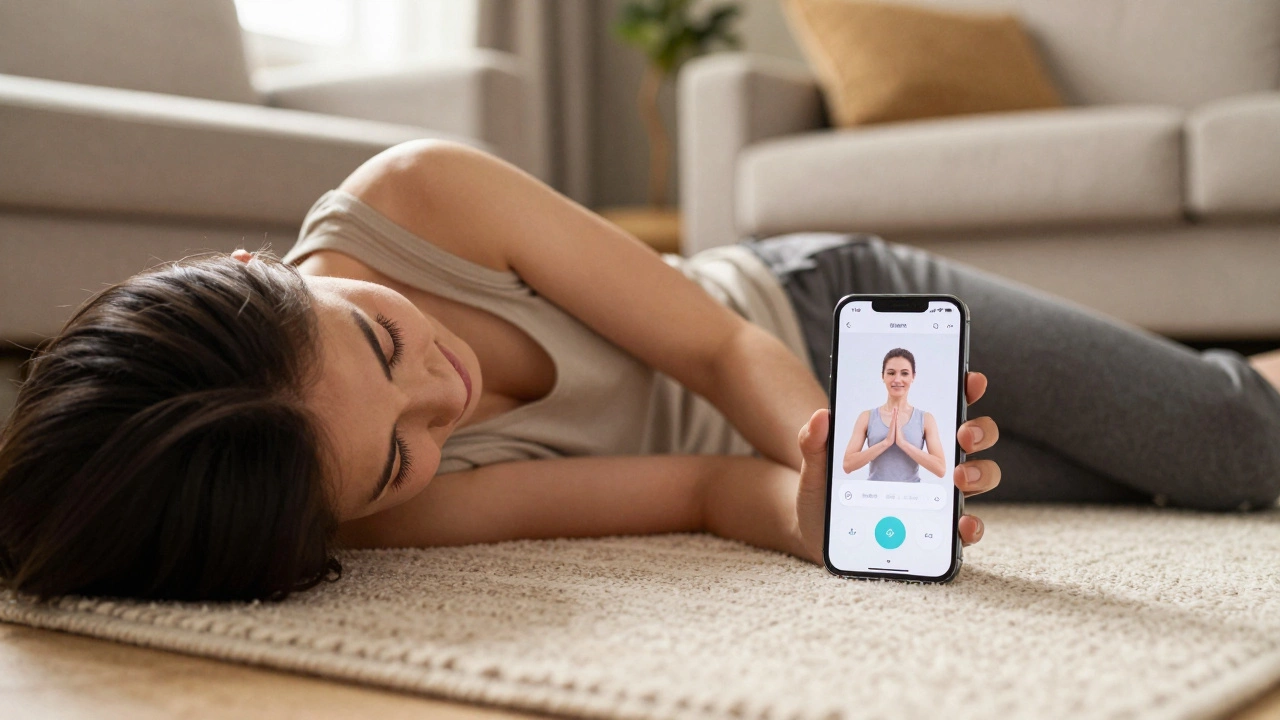
Fitness App Fit Quiz
Find Your Perfect Fitness App
Answer 3 simple questions to get personalized app recommendations. No sign-ups, no pressure—just start moving.
How much time do you have per day?
What equipment do you have?
What motivates you most?
Trying to get fit shouldn’t feel like a full-time job. If you’ve ever opened a fitness app, stared at a wall of buttons, and closed it within 30 seconds-you’re not alone. Most apps overload you with charts, complex workouts, and confusing tracking systems. But the easiest fitness apps? They’re the ones that feel like a friend who says, ‘Just move a little today. I’ve got you.’
What makes a fitness app truly easy?
Easy doesn’t mean boring. It means frictionless. The best apps cut out the noise. They don’t ask you to log calories, set heart rate zones, or pick from 12 workout types before you even start. You open it, you tap ‘Start,’ and you move. That’s it.
Look for these three things:
- One-tap start: No menus, no profiles, no sign-ups. Just press play.
- Clear visuals: Videos show you exactly what to do-no text-heavy instructions.
- No pressure: No streaks, no leaderboards, no guilt if you miss a day.
Apps that force you to earn badges or compete with strangers? They work for some. But if you’re just trying to build a habit, they’re a distraction.
FitOn: The app that feels like a personal trainer in your pocket
FitOn is the most popular app for people who want to move but don’t want to think. It’s free, no credit card needed, and works offline. You can pick a 7-minute workout while waiting for your coffee, or do a 45-minute yoga session after work.
The interface is clean. Big buttons. Simple categories: ‘Quick Workouts,’ ‘Yoga,’ ‘Strength,’ ‘Cardio.’ Tap one. A real person (not a robot voice) says, ‘Let’s go.’ The video is right in front of you. No timers counting down in the corner. No stats flashing. Just you and the movement.
People in Auckland use FitOn to squeeze in workouts between drop-offs at school or during lunch breaks. One user told me: ‘I didn’t work out for six months. Then I opened FitOn, did a 10-minute stretch, and kept going.’ That’s the magic.
Nike Training Club: Simple, smart, and surprisingly gentle
Nike Training Club (NTC) doesn’t scream ‘fitness guru.’ It whispers, ‘You’ve got this.’ The app gives you three workout paths: ‘Get Strong,’ ‘Get Fit,’ and ‘Get Balanced.’ Pick one. It picks the workouts for you.
Each session starts with a short video explaining what you’ll do. No jargon. No muscle names you don’t know. Just: ‘Do 10 squats. Rest 20 seconds. Then 10 push-ups.’ The timer is quiet. The music is calm. You don’t need weights, a mat, or even shoes.
What sets NTC apart is the ‘No Equipment’ filter. You can find 5-minute routines that use only your body. Perfect for hotel rooms, small apartments, or days when you’re too tired to dig out your dumbbells.
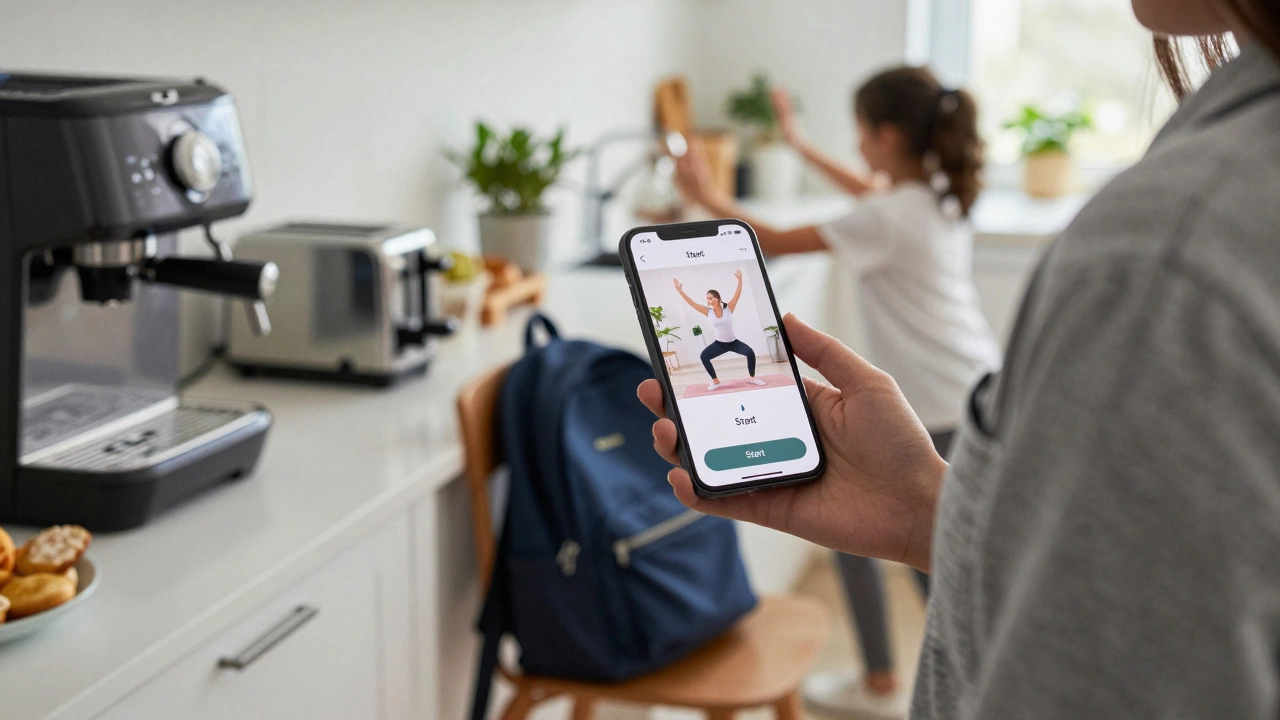
Down Dog: The yoga app that never judges
If you’ve ever walked into a yoga studio and felt like you didn’t belong, Down Dog is your safe space. It’s not flashy. No influencers. No music playlists. Just clear, guided sessions that adapt to your level.
You pick: yoga, HIIT, or barre. Then choose your length (5 to 60 minutes), difficulty (beginner to advanced), and focus (flexibility, strength, relaxation). Tap ‘Start.’ The instructor speaks softly. The screen shows you a simple diagram of each pose. No mirrors. No comparisons.
It’s the only app I’ve seen that lets you pause and restart anytime-even mid-workout. If your kid walks in or your phone rings, you hit pause. When you’re ready, you pick up exactly where you left off. No penalties. No reset buttons.
Apple Fitness+: If you already use an iPhone, this is your easiest path
If you’re on an iPhone or Apple Watch, Fitness+ is already on your device. It doesn’t require downloading anything else. Just open the Fitness app. Tap ‘Try a Free Workout.’
Workouts are short (10-30 minutes), led by real trainers, and synced to your watch. You see your heart rate on screen without having to switch apps. The workouts are designed to fit into your day: ‘Wake Up,’ ‘Lunch Break,’ ‘Wind Down.’
It’s not free-it costs $10 a month-but if you already pay for Apple services, it’s one of the lowest-friction ways to start moving. And because it’s built into iOS, it doesn’t drain your battery or require constant logins.
Why most apps fail beginners
Most fitness apps are built for people who already know what a deadlift is. They assume you want to track macros, compare progress graphs, or compete with your friend’s step count.
But if you’re just starting out, you don’t need data. You need consistency. And consistency comes from simplicity.
Apps that demand daily logins, require social connections, or force you to choose between 17 workout types? They’re designed to keep you scrolling, not moving.
The easiest apps don’t ask you to change your life. They just ask you to show up-for five minutes, once today.
What to avoid
Stay away from apps that:
- Require a credit card to start a free trial
- Use confusing icons (what’s a ‘HIIT Blast’? A ‘Core Fury’?)
- Push notifications every 2 hours: ‘You missed 3 days!’
- Require you to buy equipment before you can start
These aren’t fitness apps. They’re conversion funnels disguised as workout tools.
Start small. Stay consistent.
You don’t need to do 30 minutes every day. You don’t need to sweat. You don’t need to be perfect.
Try this: Open FitOn right now. Pick a 7-minute workout. Do it. No excuses. Then close the app. That’s it. Tomorrow, do it again. In a week, you’ll wonder why you waited so long.
The easiest fitness app isn’t the one with the most features. It’s the one you’ll actually open. Again. And again. And again.
What’s the best fitness app for absolute beginners?
FitOn is the best for absolute beginners. It has no sign-up, no paywall, and workouts that start in under 10 seconds. The videos are clear, the instructors are encouraging, and there’s zero pressure to do more than you feel like.
Do I need to pay for a fitness app to get results?
No. FitOn, Nike Training Club, and Down Dog all offer free versions with full access to dozens of workouts. You only need to pay if you want exclusive content like live classes or advanced plans. For basic movement, free apps work perfectly.
Can I use a fitness app without a smartphone?
Most apps require a smartphone to run videos and timers. But you can still use free YouTube channels like ‘Yoga with Adriene’ or ‘The Body Coach’ on a tablet or smart TV. The key isn’t the device-it’s showing up and moving.
How long should my workouts be if I’m just starting?
Start with 5 to 10 minutes. That’s enough to build momentum. Most people think they need 30 or 60 minutes to see results. But consistency beats duration. Five minutes a day, five days a week, will change your body more than one 60-minute workout a month.
What if I don’t like the app after trying it?
Delete it. No guilt. No shame. The right app for you is the one you’ll open. If it feels like a chore, it’s not the right fit. Try another. FitOn, NTC, and Down Dog all have free versions-test three in one week. You’ll find the one that feels like yours.
Next steps: Your 3-day challenge
Here’s how to start today:
- Day 1: Download FitOn. Do the 7-minute ‘Beginner Full Body’ workout. No equipment needed.
- Day 2: Open Nike Training Club. Pick ‘No Equipment’ and do a 10-minute ‘Strength for Beginners’ session.
- Day 3: Try Down Dog. Pick ‘Yoga for Beginners’ and do a 15-minute session. Focus on breathing, not perfect form.
That’s it. No tracking. No goals. Just movement. If you do these three, you’ve already done more than 80% of people who downloaded fitness apps last year.